1Invoice A
Invoice A: $1,240.00 due Mar 3
clipboard history you can use
Find any saved clip, then combine, calculate, sort or transform it.
Capture, search, organisation, previews and exact tools run on your device. Connected AI and client-encrypted sync run only when you choose them. Every AI result opens for review and cannot be saved until you approve it.
✓Move and organise every saved clip.✓Run exact actions locally without tokens.✓Inspect and approve every connected AI result.✓Keep why you copied it, and paste it for any reader.✓Capture screenshots, colours, text and QR codes.
Clipboardia keeps capture, search, organisation, previews and exact actions on your device. Connected AI and sync remain off until you choose them.
// custom copy rules
A little less fixing after every paste.
Create custom rules for the things you copy. Choose what to match, set a transformation and get the format you need before you paste. Try a few useful flows below.
Keep headings, emphasis, lists and links for your next document.
Sample clip · changes stay in this previewLaunch checklist
Keep the release small.
## Launch checklist

Keep the release **small**.

- Review the changes
- Ship the update

[Release notes](https://example.com/releases)Formatted text → Convert to Markdown → ready to paste.
Try your text, combine transformations and save a custom rule.
// 01 · feature map
The feature map groups exact local tools, review-first AI, optional encrypted sync and planned additions. Local tools always produce the same result from the same input, while AI results remain drafts until you review them.
// 02 · exact actions
Select clips, inspect their context and use the actions that fit the content. Exact tools use no model or tokens, and every result stays in the preview until you choose where it goes.
Invoice A: $1,240.00 due Mar 3
Invoice B: $860.50 due Mar 17
 + New⌄☼Ⅱ Pause
// 03 · previews and search
Clipboardia renders copied links, displays copied colours and searches every saved clip using the words you still remember.
Copied a URL? The card renders a live preview with its title, summary and status before you open it.
Any colour you copy becomes a swatch. Pick it back out in hex, RGB or HSL with one click.
Full-text search across every clip you kept. Here, 412 clips answered in 3 ms, offline.
// 04 · AI with review
Choose a connected AI provider to summarise, rewrite or reason across selected clips. Every result opens as a reviewable draft, identifies the clips it used and waits for your approval before it can be saved.
Long thread about the Q3 launch: dates shifting, a vendor delay, two open questions on pricing and a decision buried in reply 14…
Launch moves to Oct 12. Vendor delay absorbed. Pricing decision: keep tiers, revisit in Q4.
→Use several clips in one prompt.→Inspect every draft beside its source.→Approve, edit or discard the draft while keeping every original.
// 05 · context briefs
Copy and paste loses the reason you copied something. Gather the clips behind a problem, note why each one matters and where you got to, then paste that context as a debugging brief for an engineer or a plain update for everyone else. You see exactly what will leave your device first.
Customers paying with Visa debit see “Something went wrong” at checkout since Tuesday.
why I copied thisSupport's report, in the customer's own words
09:14:22Z ERROR payments: charge failed status=401 customer=ana.ruiz@example.com
Authorization: Bearer sk_live_51NcX9aQ2fT7hLmP0rV8yZ
why I copied thisThe first error after the deploy, with the request behind it
Retries must reuse the original idempotency key. A refreshed token is rejected for a retried charge.
why I copied thisSays a retried charge must reuse the original key
- key := newIdempotencyKey()
+ key := req.IdempotencyKey
why I copied thisMy fix so far: keep the key, refresh only the token
Same clips, for the engineer picking it up1,234 characters
# Checkout fails after Tuesday's deploy

## Purpose
Find why some card payments fail since the deploy

## What I tried
Rolled back the session-cookie change. Still failing.

## Constraints
Sandbox only, no production writes.

## Open questions
- Does the retry wrapper swallow the 401?
- Is staging on the same gateway config?

## Where I got to
Narrowed it to the retry wrapper in the payments client.

## Problem
### Customer report
Why it matters: Support's report, in the customer's own words
Customers paying with Visa debit see “Something went wrong” at checkout since Tuesday.

## Log excerpt
### First failing charge
Why it matters: The first error after the deploy, with the request behind it
```
09:14:22Z ERROR payments: charge failed status=401 customer=[redacted email]
Authorization: [redacted token]
```

## Documentation
### Retry rules
Why it matters: Says a retried charge must reuse the original key
https://docs.example-pay.com/retries
Retries must reuse the original idempotency key. A refreshed token is rejected for a retried charge.

## Attempted fix
### Reuse the key on retry
Why it matters: My fix so far: keep the key, refresh only the token
```
- key := newIdempotencyKey()
+ key := req.IdempotencyKey
```
What leaves this device
Found before sending 2
ana••••omBea••••yZUnreviewed details stay redacted. Detection catches common patterns, so read the brief before you share it.
Turn on sync when you want your workspace on another device. Your devices encrypt the data before sending it, so the service stores ciphertext and never receives the key needed to read it.
// 06 · desktop apps
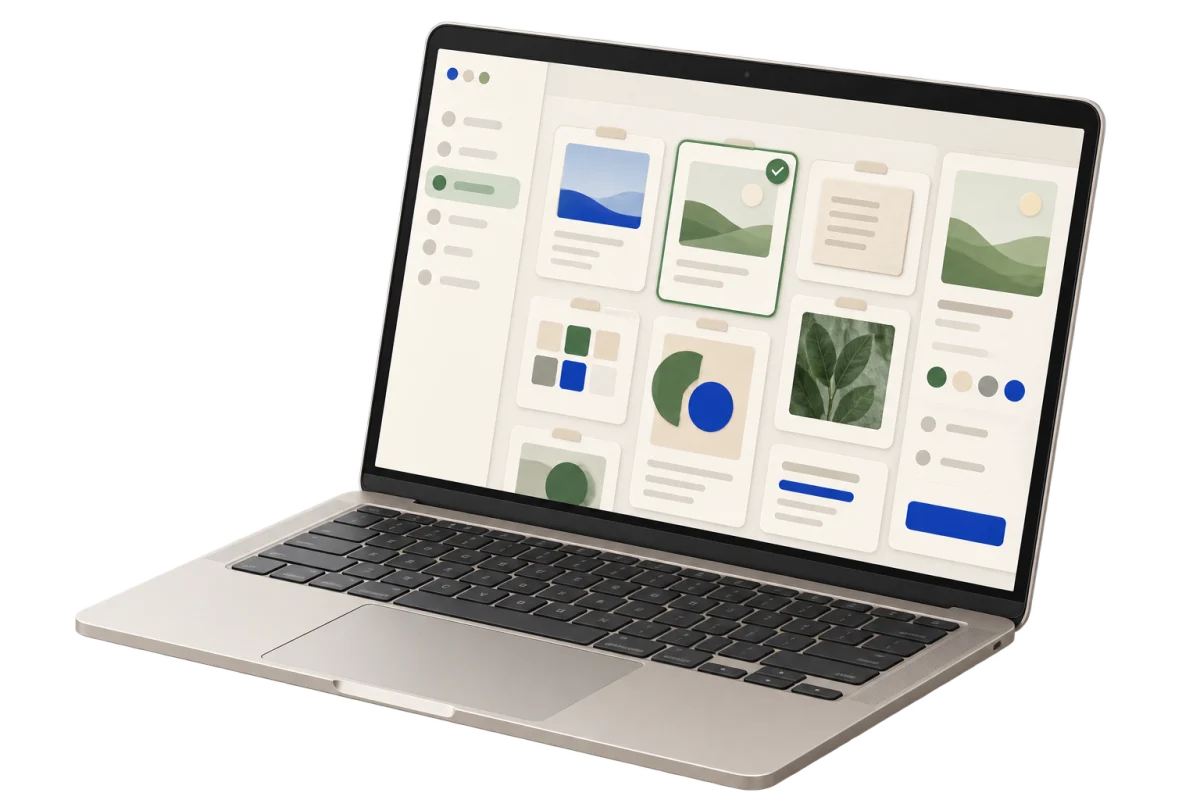
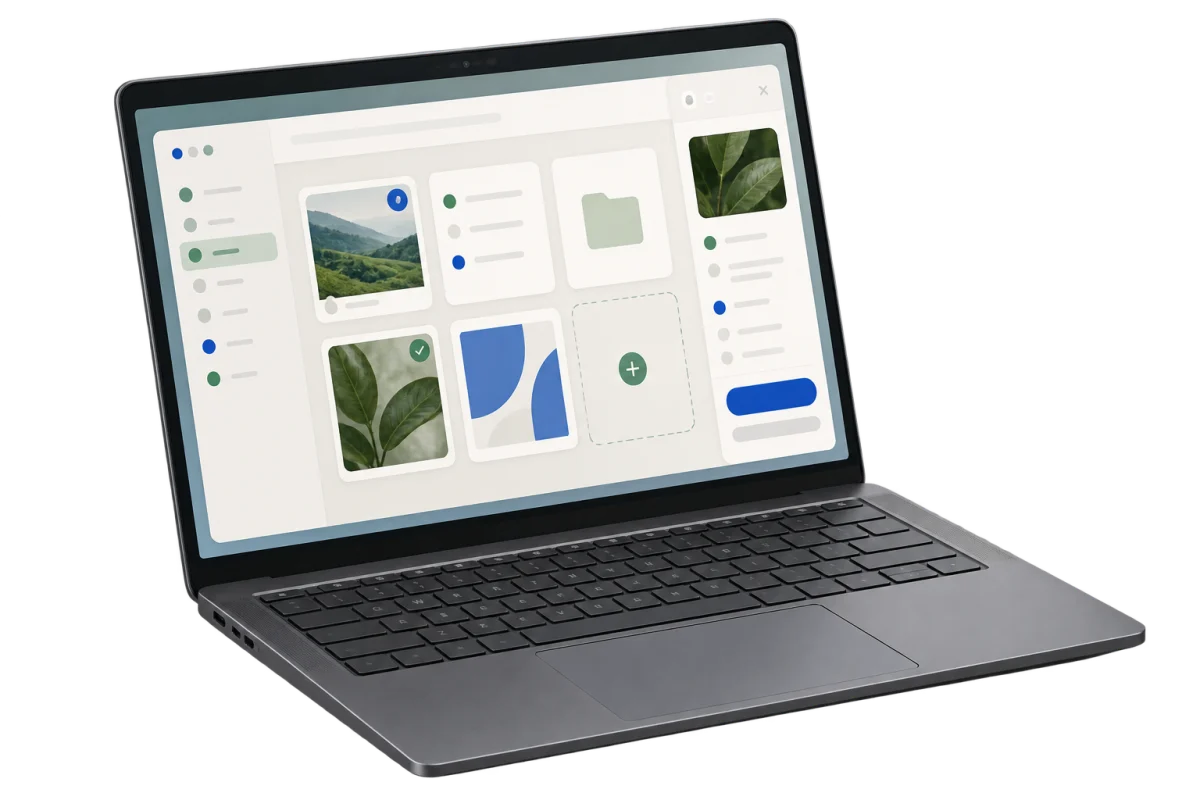
The web workspace is available now. Desktop installers remain invite-only while the beta group stays small.
// mobile apps
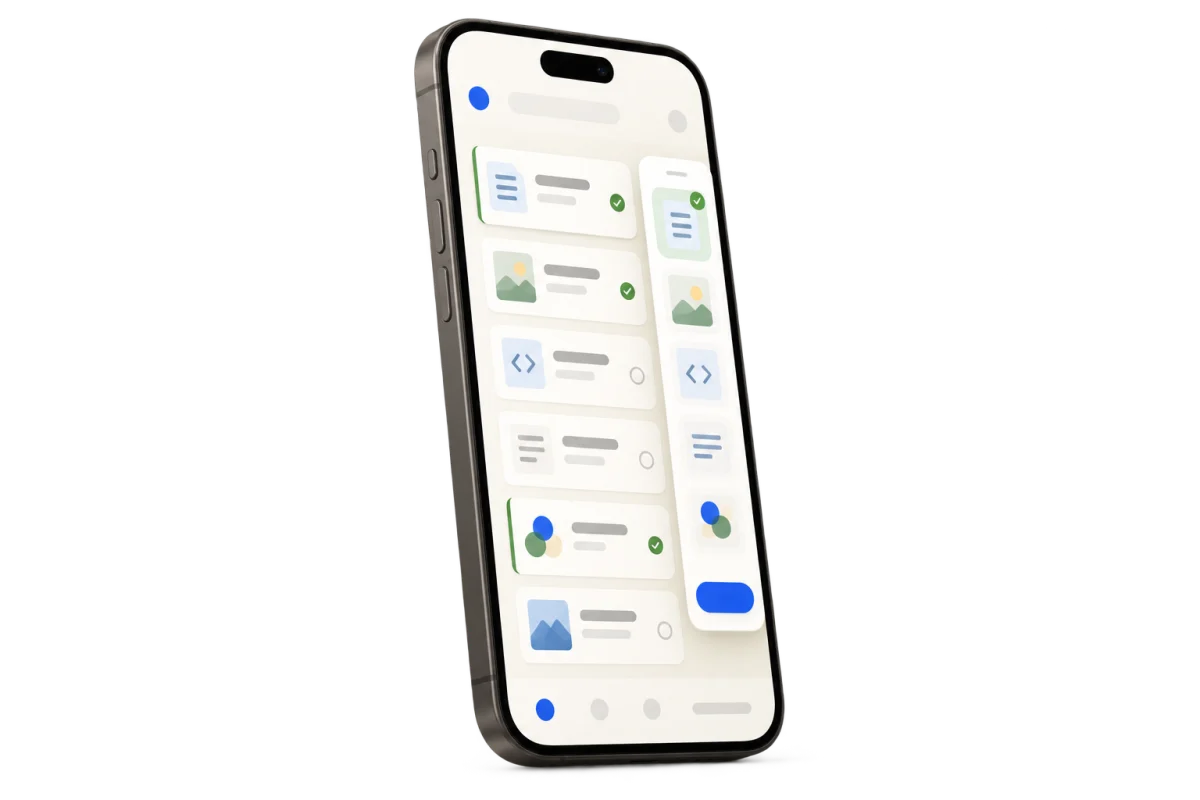
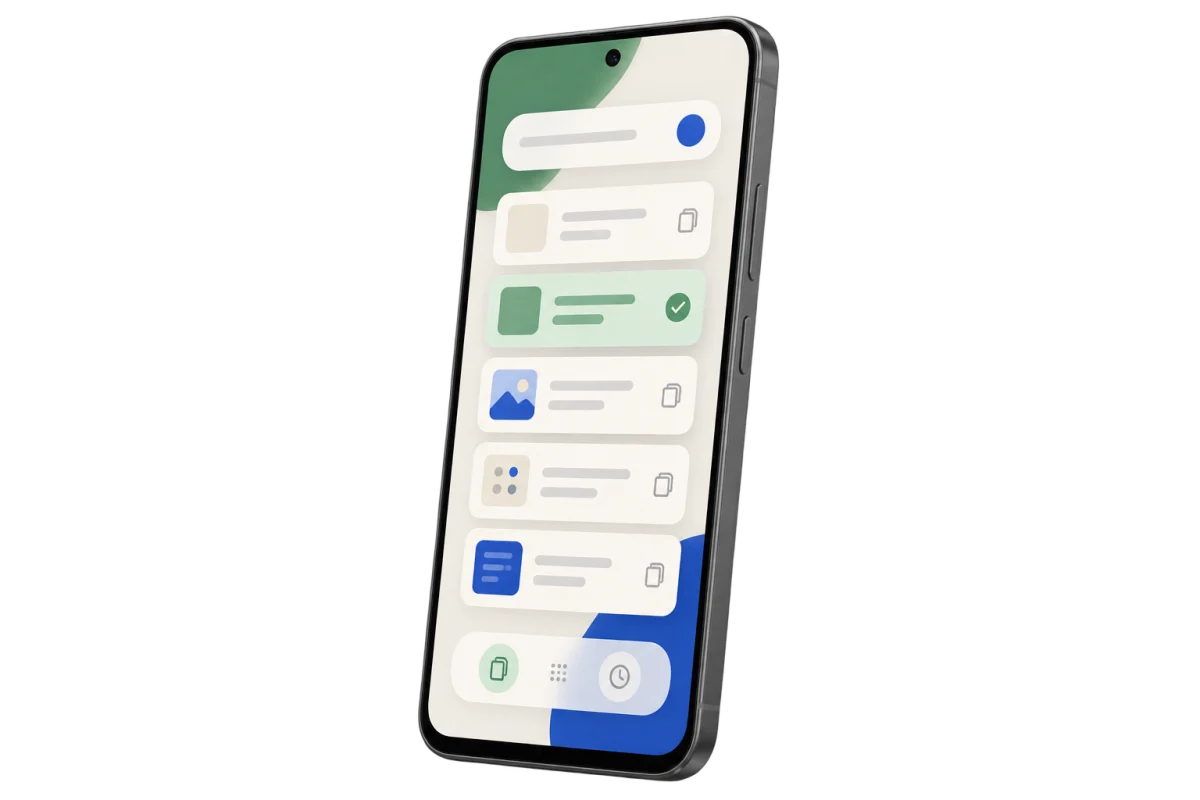
The mobile apps are in development. Capture and search on your phone, then choose whether to sync encrypted clips with your other devices.